

PapEye · software for scanned samples
Analysis software for scanned sample images
PapEye is a suite of analysis software that measures samples from scanner images. An ordinary flatbed or sheet-fed scanner is the instrument; the application you choose measures print uniformity, printed line quality, or dirt in pulp, paper and board. Each runs on Windows or Linux and is sold as a permanent license for one PC.
The applications
All PapEye programs analyze sample images scanned with a standard flatbed or sheet-fed scanner. Print Uniformity and Line Quality analyze printed samples, while Dirt Count is used for unprinted material.
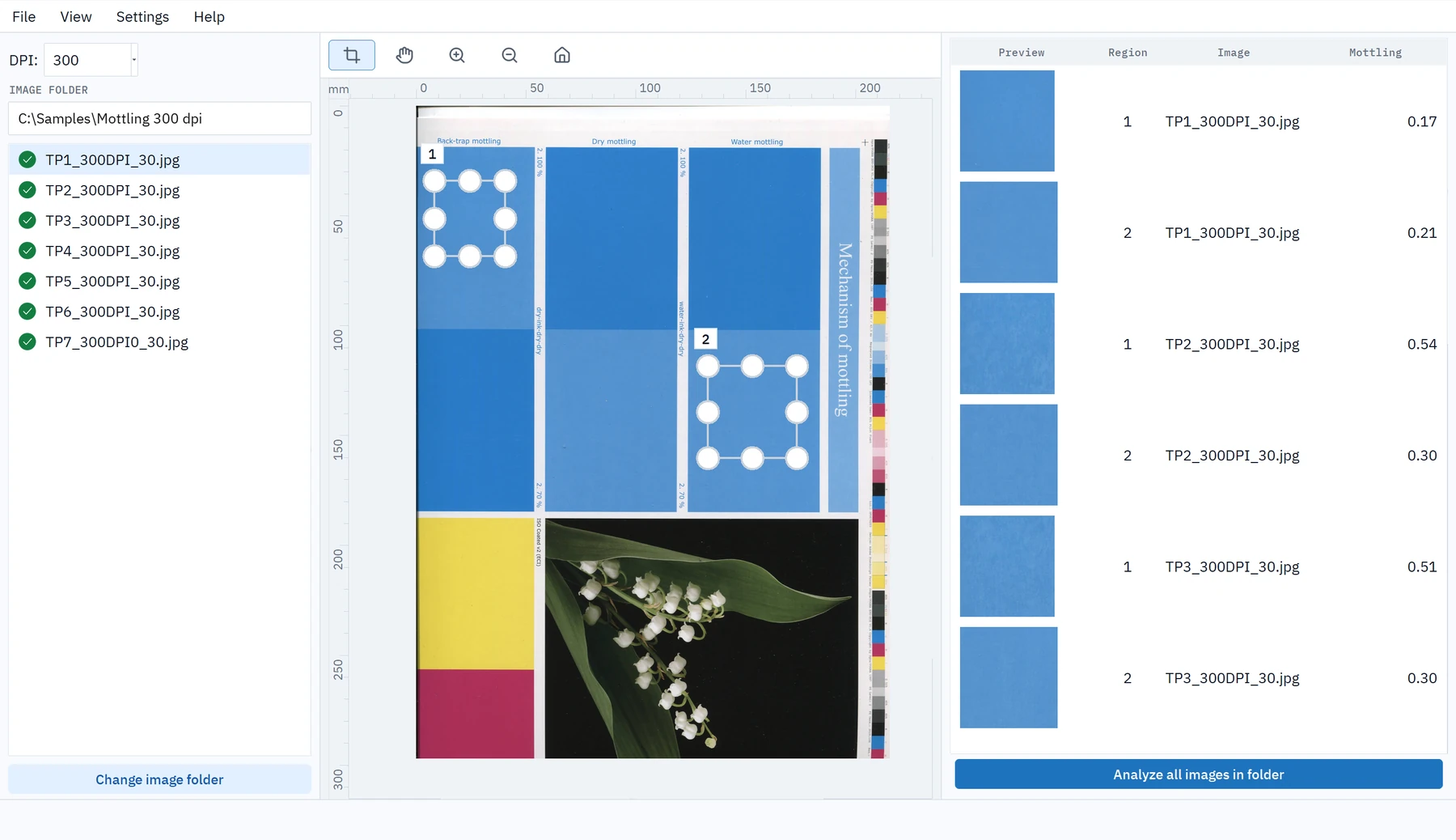
PapEye Print Uniformity
For printing, print development and paper or ink evaluation.
Measures mottling, graininess and banding of printed areas.
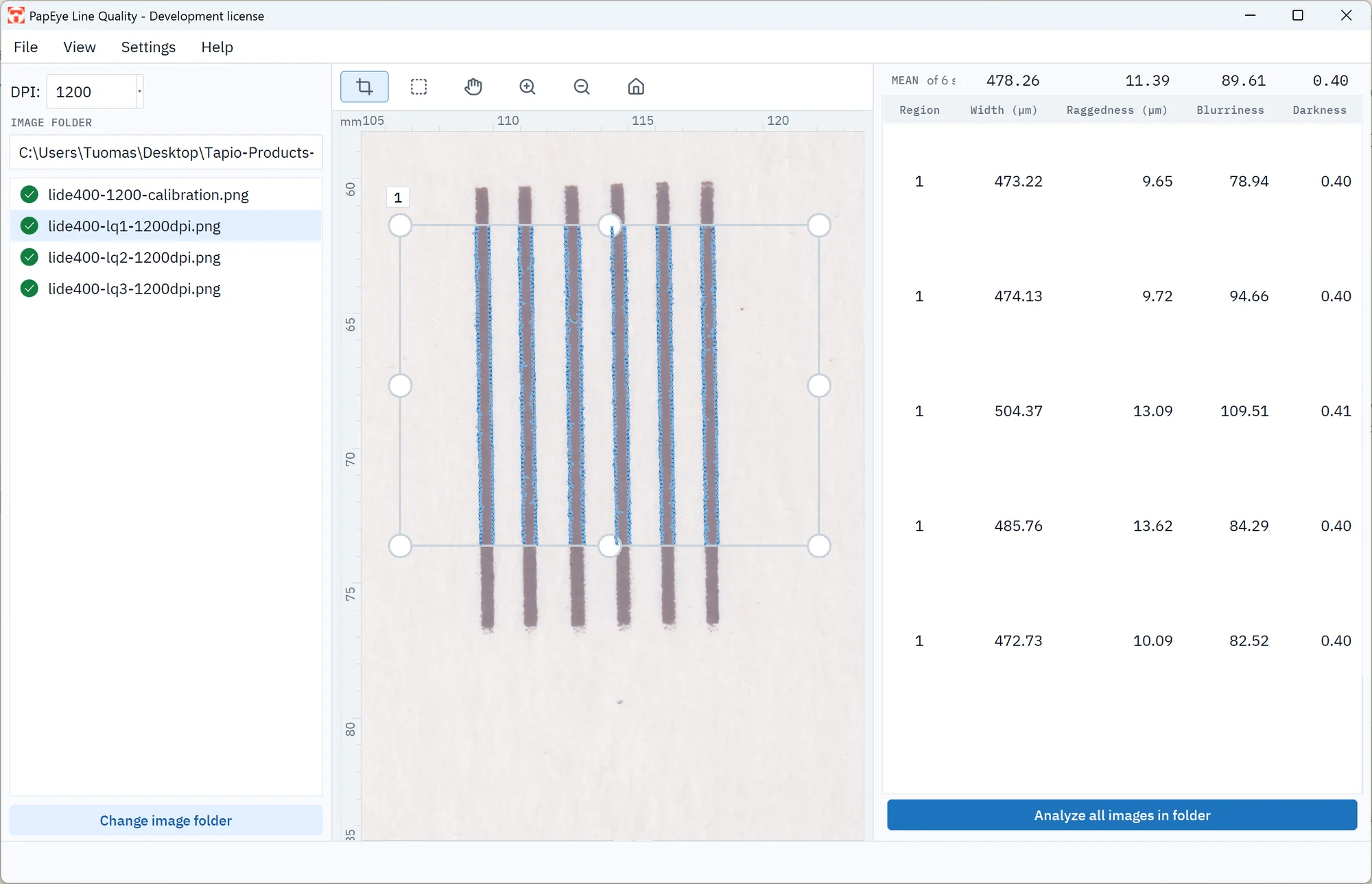
PapEye Line Quality
For evaluating printed lines and text.
Measures line width, raggedness, blurriness and darkness.
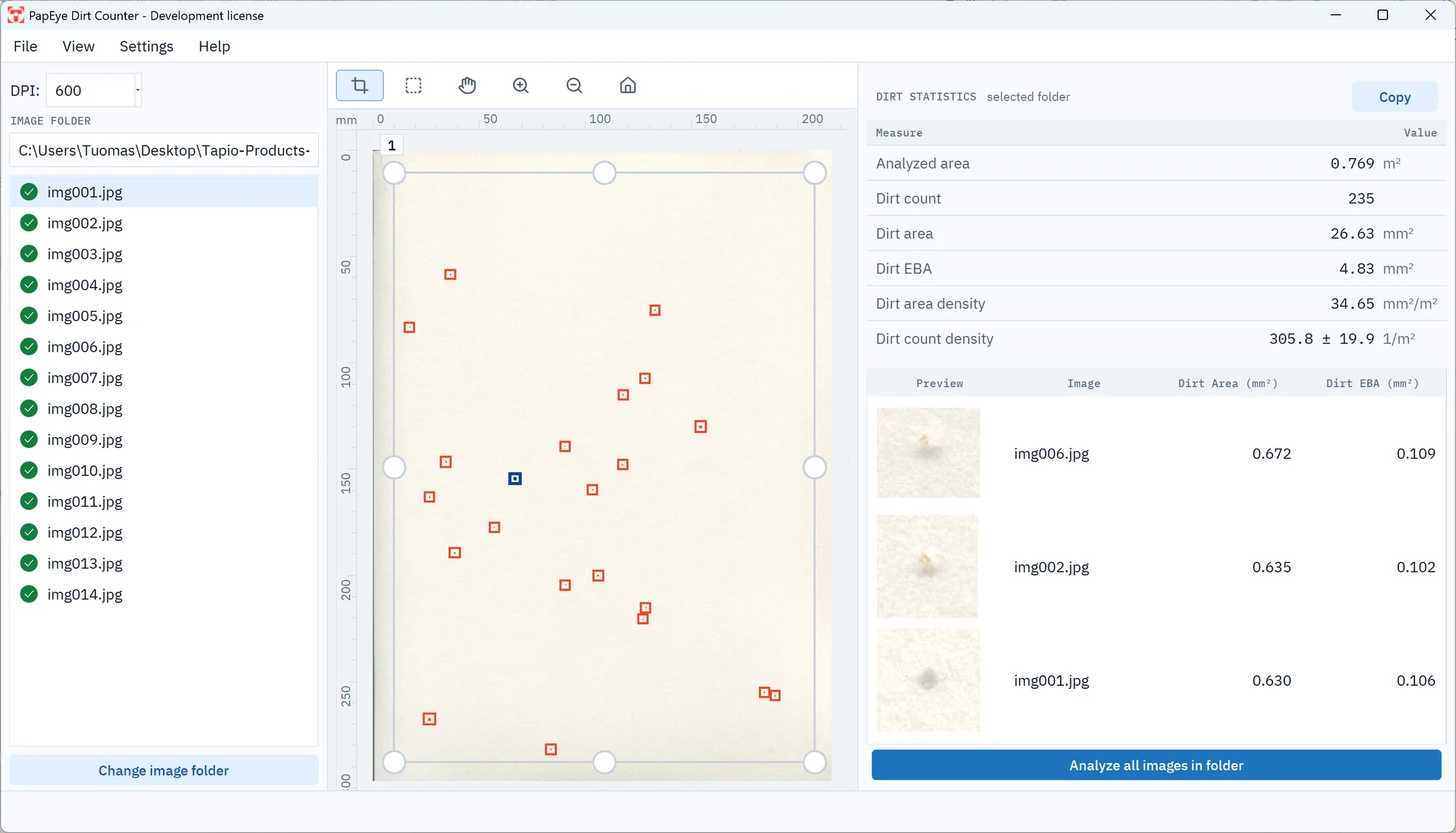
PapEye Dirt Count
For pulp, paper and board cleanliness. No printed sample needed.
Measures dirt count, dirt area, equivalent black area (EBA) and size distribution.
Compare the applications
| Print Uniformity | Line Quality | Dirt Count | |
|---|---|---|---|
| Question it answers | How uniform is this print? | How good are these printed lines? | How much dirt is in this material? |
| Typical users | Print and paper laboratories, print development | Print, ink and printer laboratories | Pulp, paper and board quality control |
| Sample | Scans of printed areas, such as solid tones | Scans of printed line targets or text | Scans of pulp, paper or board samples; no print needed |
| Results | Mottling, graininess and banding per region | Width, raggedness, blurriness and darkness per line | Count, area, EBA and size distribution, with a close-up of every detection |
| Scan resolution | 300 DPI can be enough for mottling alone; 1200 DPI for all three measures | 1200 DPI; scans below 600 DPI are flagged | 600–1200 DPI |
| Calibration | Optional reflectance (OECF) calibration to compensate for the different response of different scanners | Reflectance and MTF calibration to compensate for the different response of different scanners | Reflectance calibration available; otherwise works on contrast against the background, so keep scanner settings fixed |
| Method | Based on ISO/IEC 24790:2017 | Based on ISO/IEC 24790:2017 | Developed by Tapio; not a TAPPI or ISO dirt count standard |
How PapEye works
- 01
Scan
Scan your samples on a flatbed scanner, at the resolution the measure needs, into one folder.
- 02
Select the regions
Open an image or a whole folder and select the analysis regions. The same regions can be applied to every similar sample in the folder.
- 03
Review
Check the results against the scan: PapEye draws the detection outlines or the measured edges over the image, and anything that is not what you meant to measure can be excluded.
- 04
Export
Export the results of one image or the whole folder to CSV for your spreadsheets and reports.
Scanners
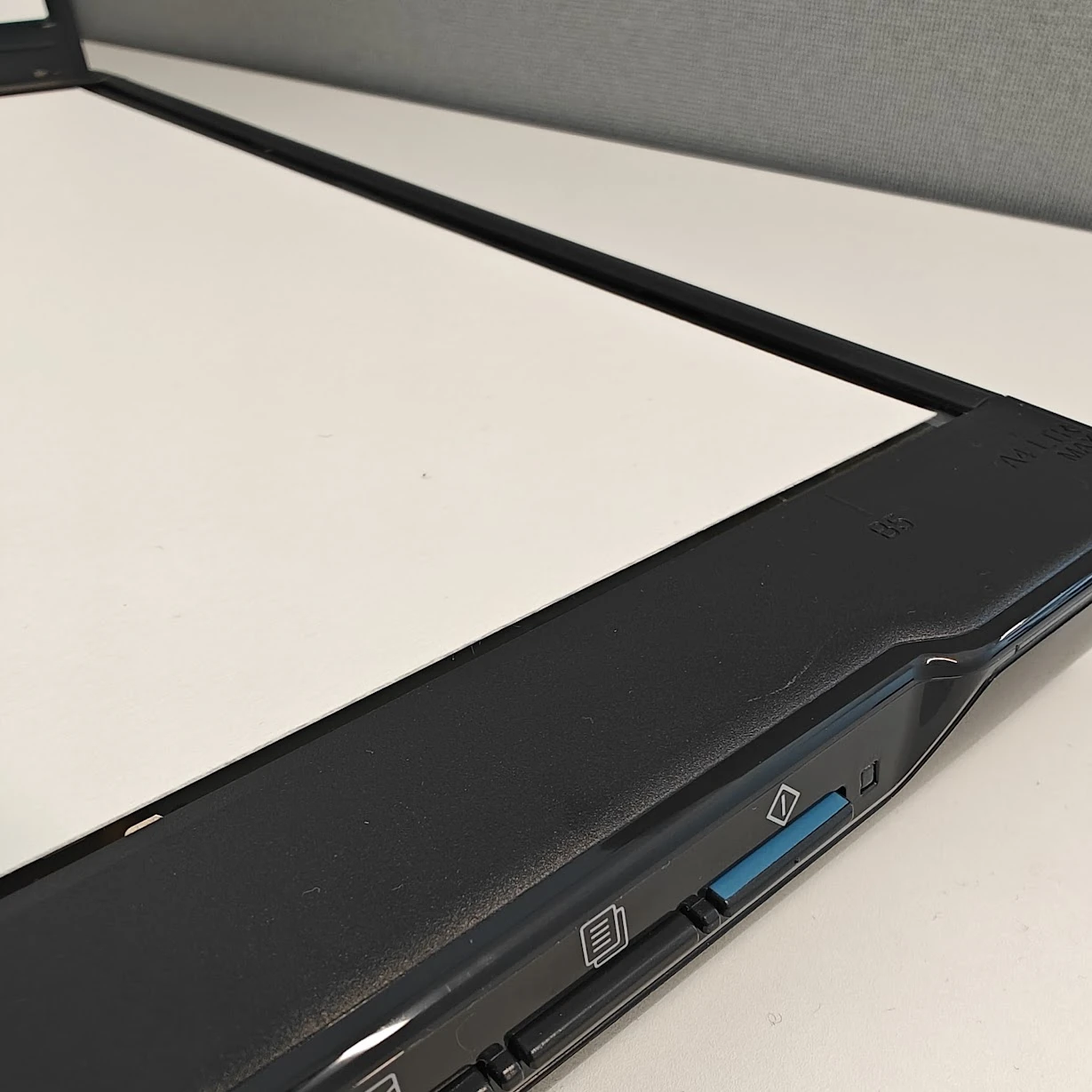
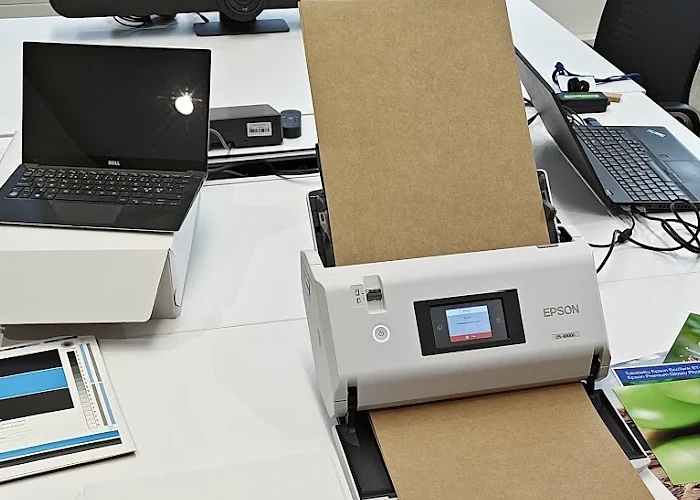
A standard flatbed scanner is enough; ask us for recommended models. The resolution you need depends on the measure (see the table above). Resolution alone does not make a scan accurate: the scanner's sharpness, tonal response, settings and calibration all affect the results, so compare absolute values only between samples scanned with the same scanner, resolution and settings, or calibrate the scanners you compare using the tools in the PapEye software. An automatic document feeder can make batches of sheets quick to scan, but is often limited in resolution.
The scanner–autofeed-software combination has worked extremely well in measuring mottling. It is definitely the smartest way to carry out measurements, since there’s no need to open the scanner and change the sample after every sheet, whether you’re dealing with single sheets or 20 sheets.
Where PapEye comes from
PapEye started in the 1990s as mottling analysis software for print and paper laboratories, and was sold to almost every paper mill in Finland. The idea has not changed: read an ordinary scan the way a laboratory reads a sample, and give an objective number that can be compared between samples, shifts and suppliers.
What has changed is the scope and the software. Mottling and graininess were separate products; they are now measured in one pass, together with banding, by PapEye Print Uniformity. Line Quality and Dirt Count cover printed lines and the cleanliness of the material itself, and all three run on Windows and Linux.
Licensing
- Each PapEye application is sold as a permanent license for one PC running Windows or Linux. There is nothing to install: unzip the download and run the program.
- Licenses are per application: a Line Quality or Dirt Count license does not unlock Print Uniformity, and licenses for the earlier PapEye Mottling and Graininess products do not unlock the current applications.
- PapEye is licensed software. Tapio's free, open-source programs are Tapio RollView (for RQP Live) and the Tapio Analysis software (for Tapio Analyzers).
To license an application, ask us for a demo or a quote. When you first start PapEye it shows a Machine ID; send it to us, and save the license file you receive in the .papeye folder in your user folder.
FAQ
Do we need a Tapio Analyzer or other Tapio hardware?
No. PapEye works on images from a standard flatbed scanner.
We only need to count dirt in pulp or unprinted paper. Which application is it?
PapEye Dirt Count. It measures dirt specks against the background of the sample itself; nothing has to be printed.
We compare papers or inks in print trials. Which application is it?
PapEye Print Uniformity for mottling, graininess and banding of printed areas, and PapEye Line Quality for the sharpness and width of printed lines and text.
Can we try PapEye on our own samples?
Ask us for a demo, and tell us what you scan and with which scanner.
Is PapEye free?
No. Each application is a permanent license for one PC. Tapio RollView and the Tapio Analysis software are the free, open-source Tapio programs.
Can results be compared between laboratories?
Only when the scanners are comparable. All three applications include scanner calibration to compensate for the different response of different scanners; whatever you compare, record the scanner, resolution and settings with the results.
Cases and examples
Request a PapEye demo or quote
Choose the application you are interested in and describe what you scan.
You can also email info@tapiotechnologies.com.
Thank you. Your PapEye enquiry has been received. We normally respond within one working day.